
Getting power to the desk without the mess
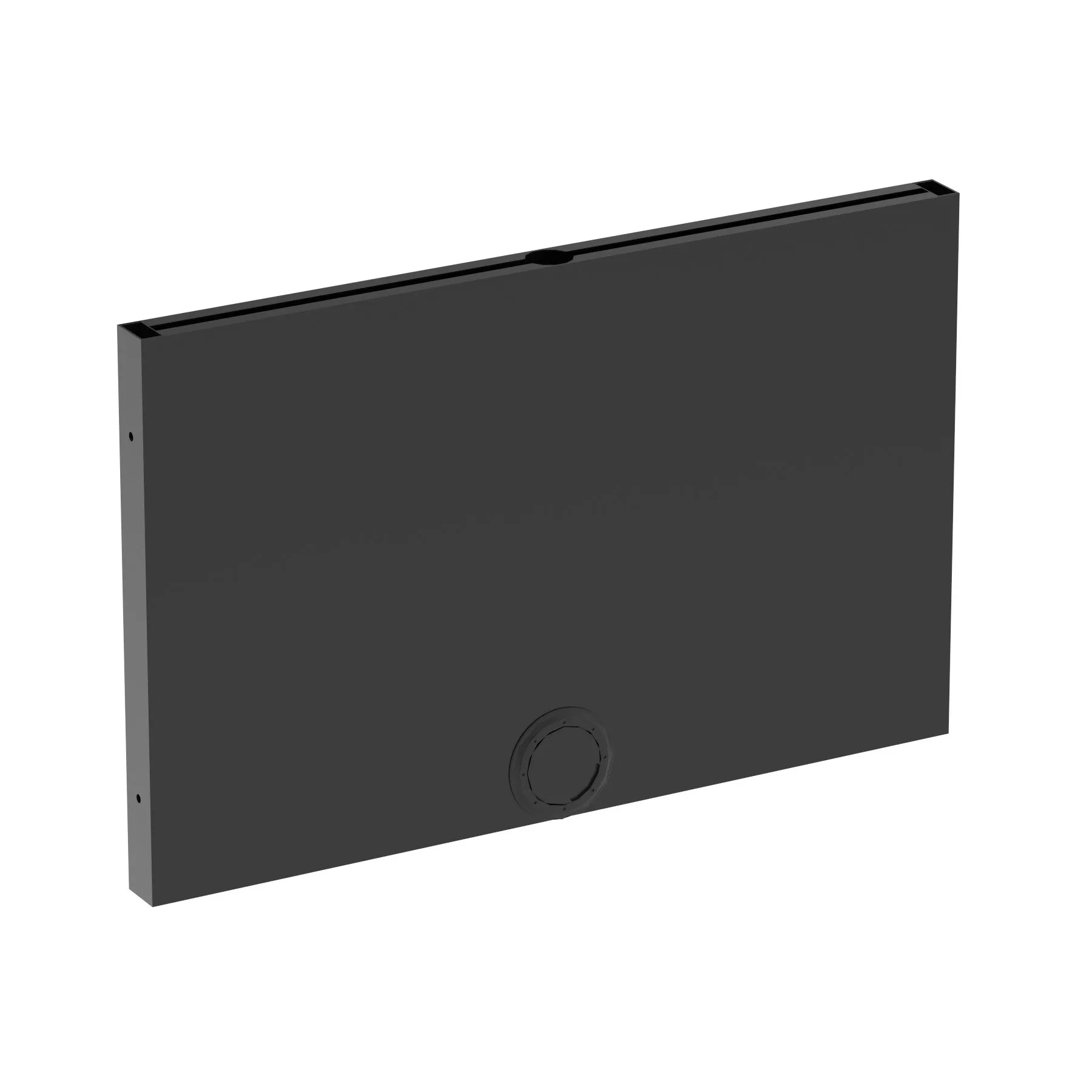
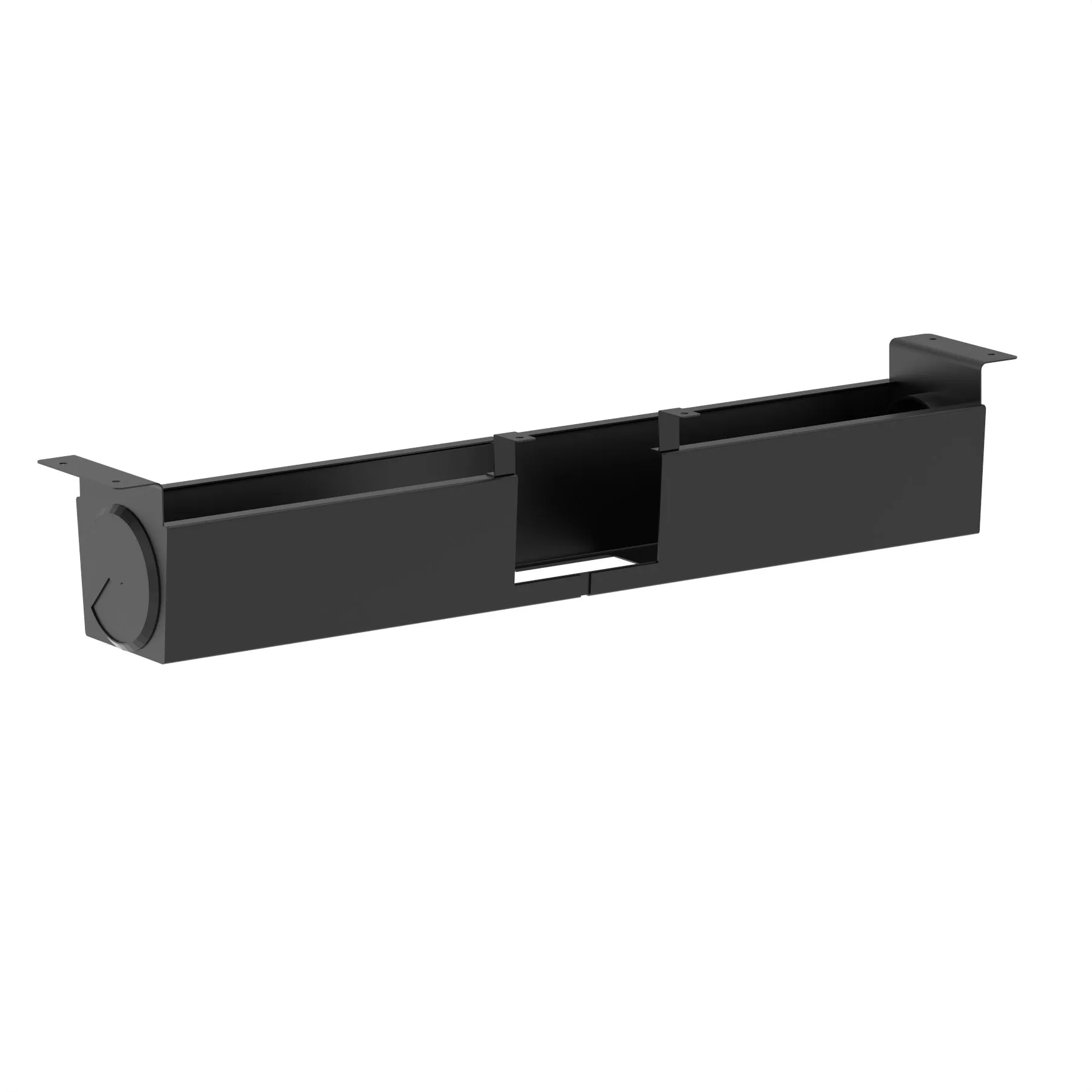
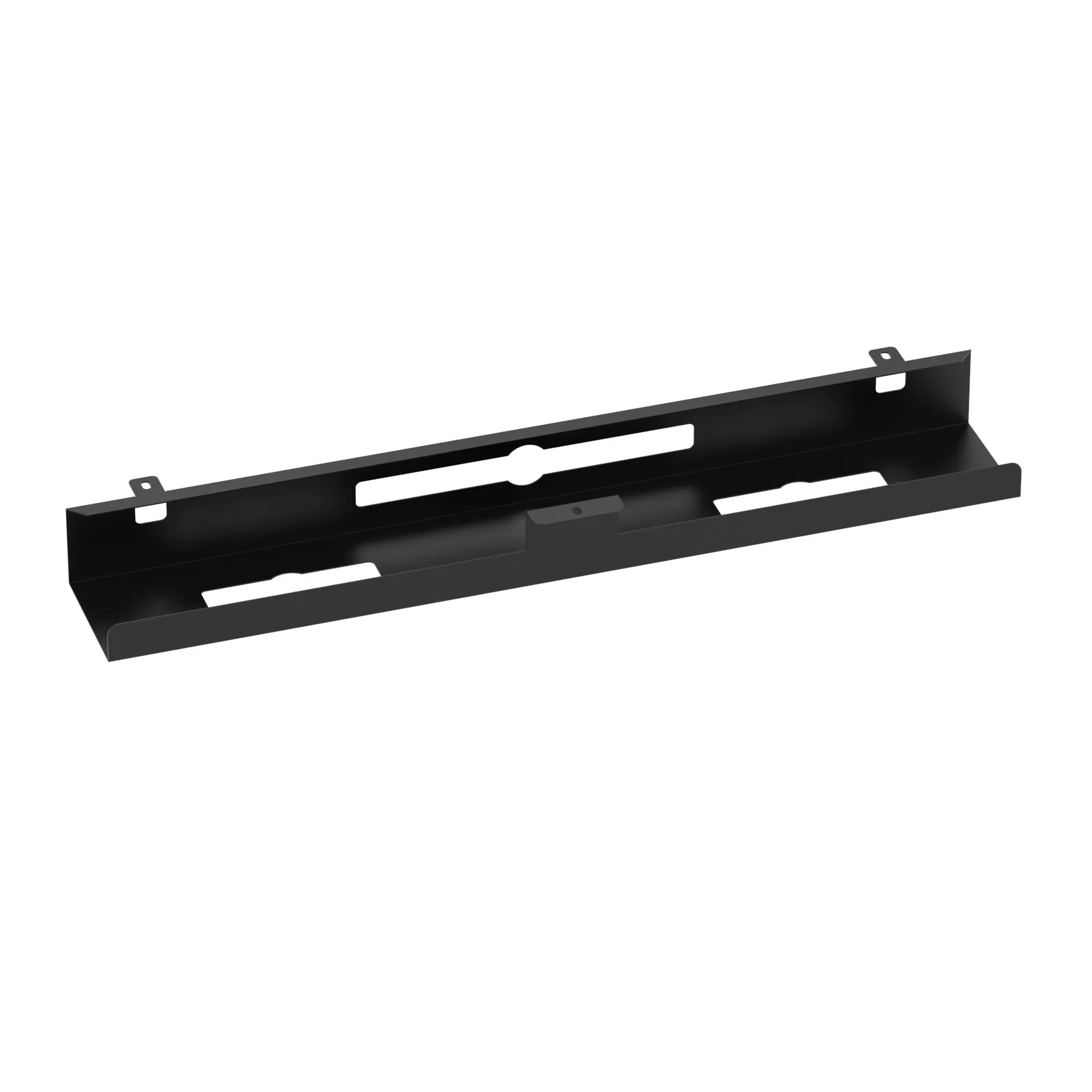
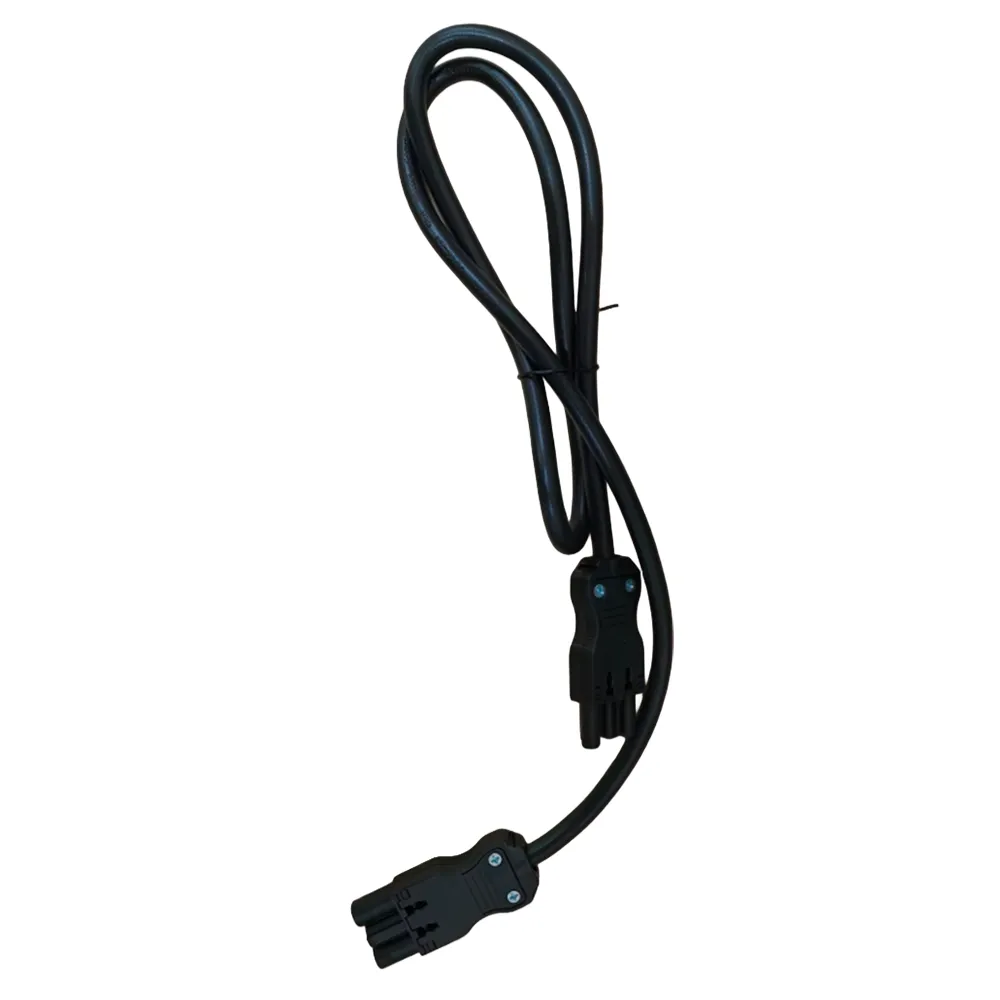
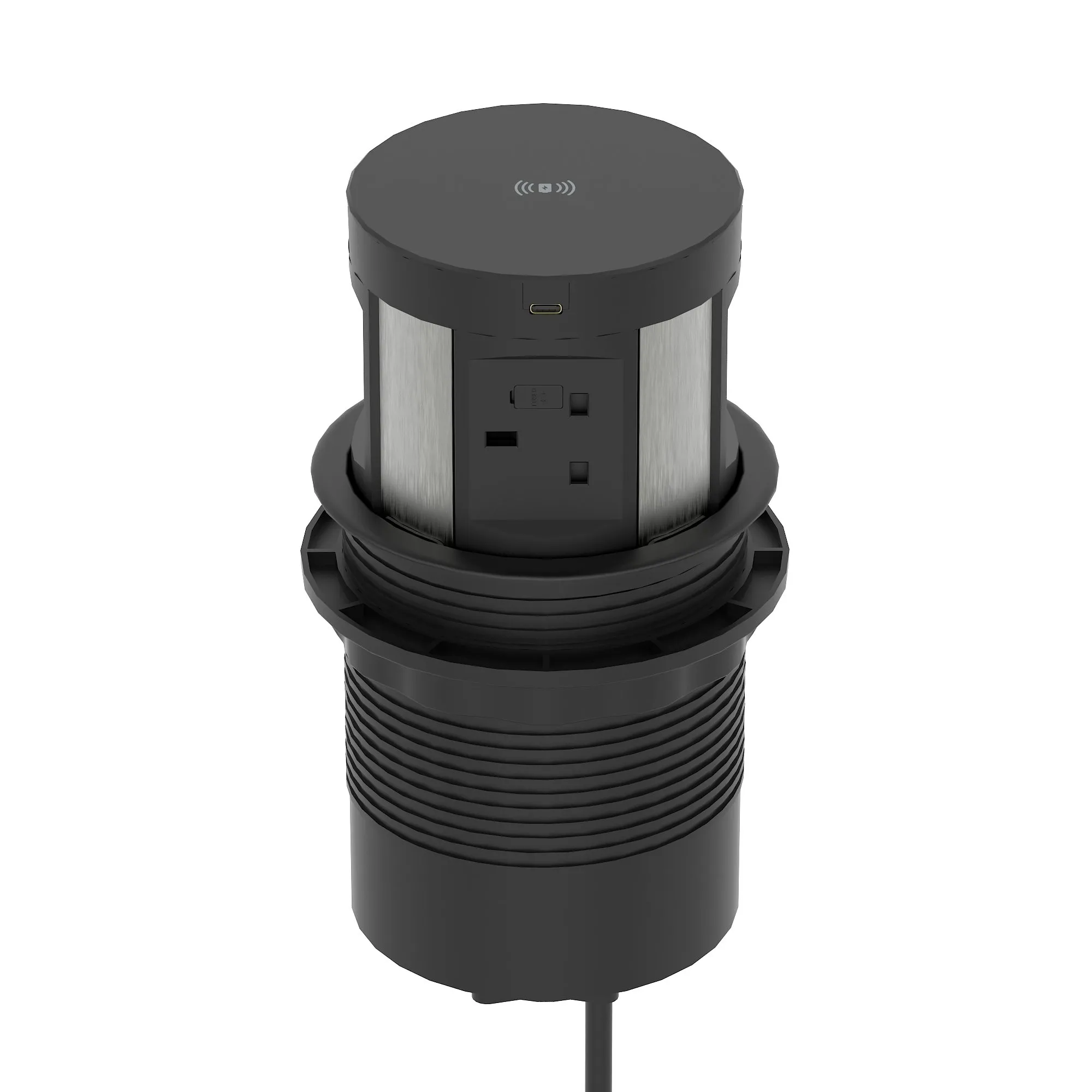
Everything for getting power and data to the desk and keeping the cables out of sight: spines, trays, baskets, linking bars and power modules. This is the part of a fit-out most often left until installation day, and the part most often regretted.
Specify it with the desks, not after
Cable management is designed against specific desk frames. Brackets, spine lengths and tray widths all assume a particular range, and buying generic afterwards means drilling or cable-tying something that was meant to clip on.
Retrofitting to an occupied office also means moving everybody twice, which costs more in disruption than the parts ever cost.
What each part does
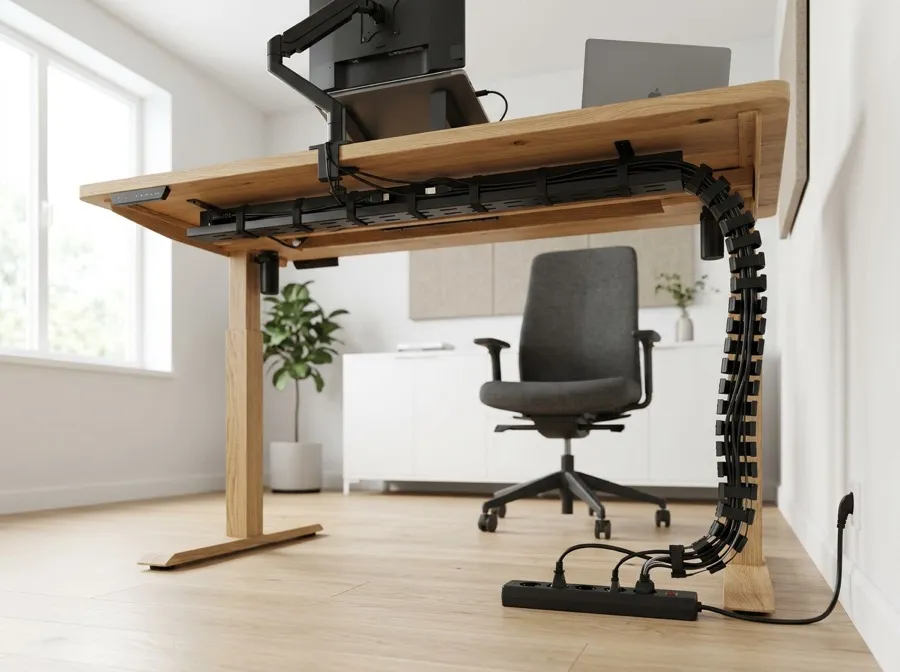
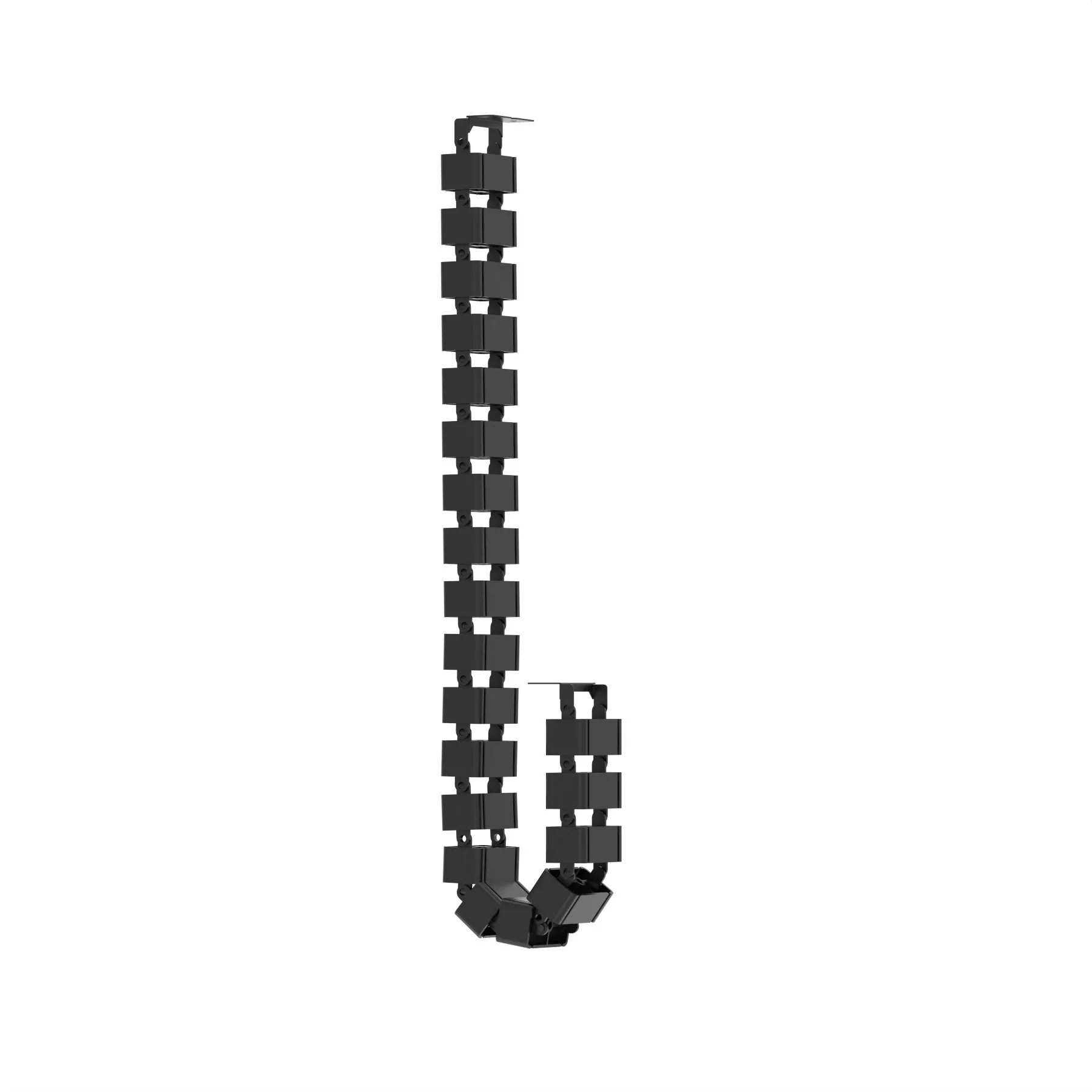
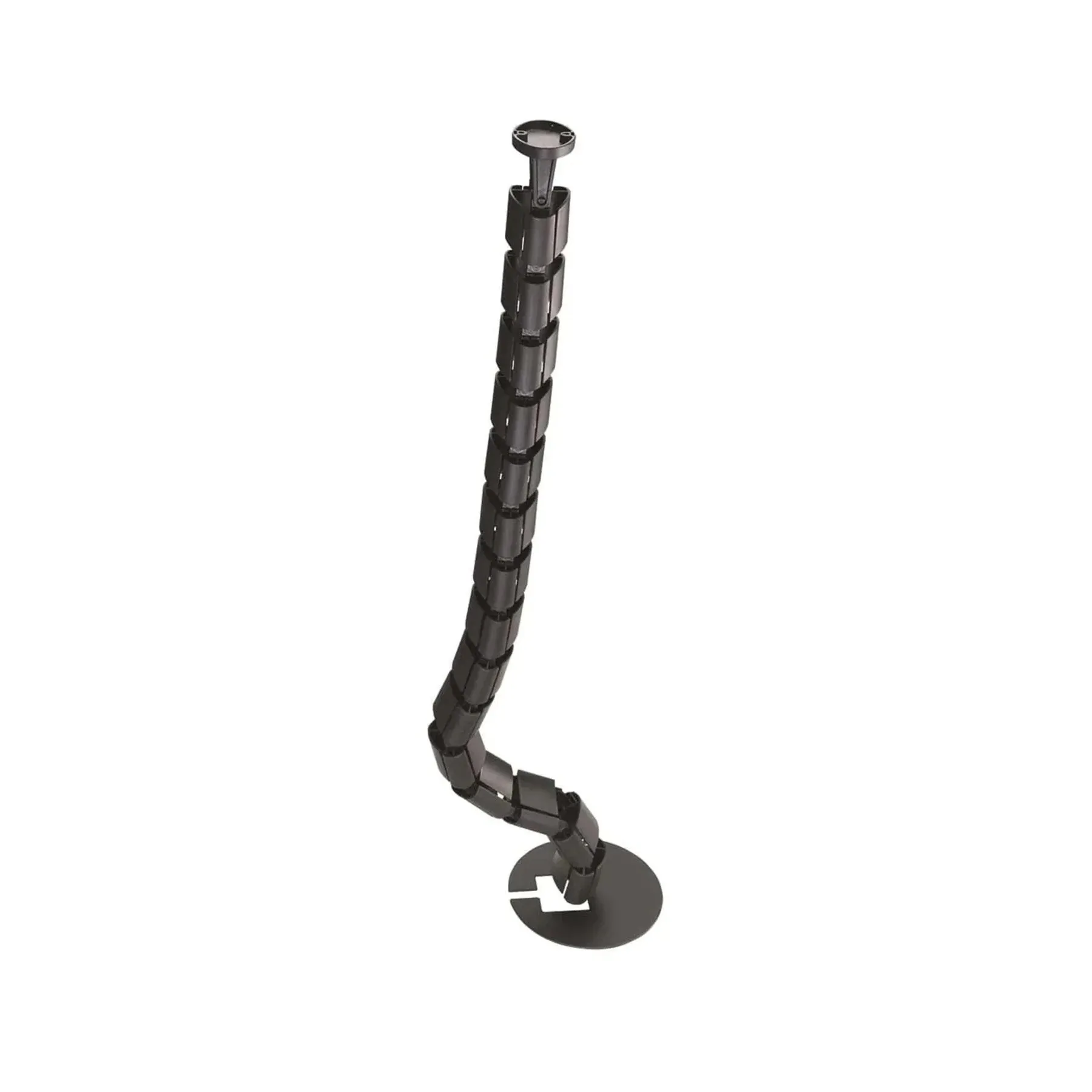
- A **spine** carries cable vertically from floor to desk. On a sit-stand desk it must flex as the desk travels.
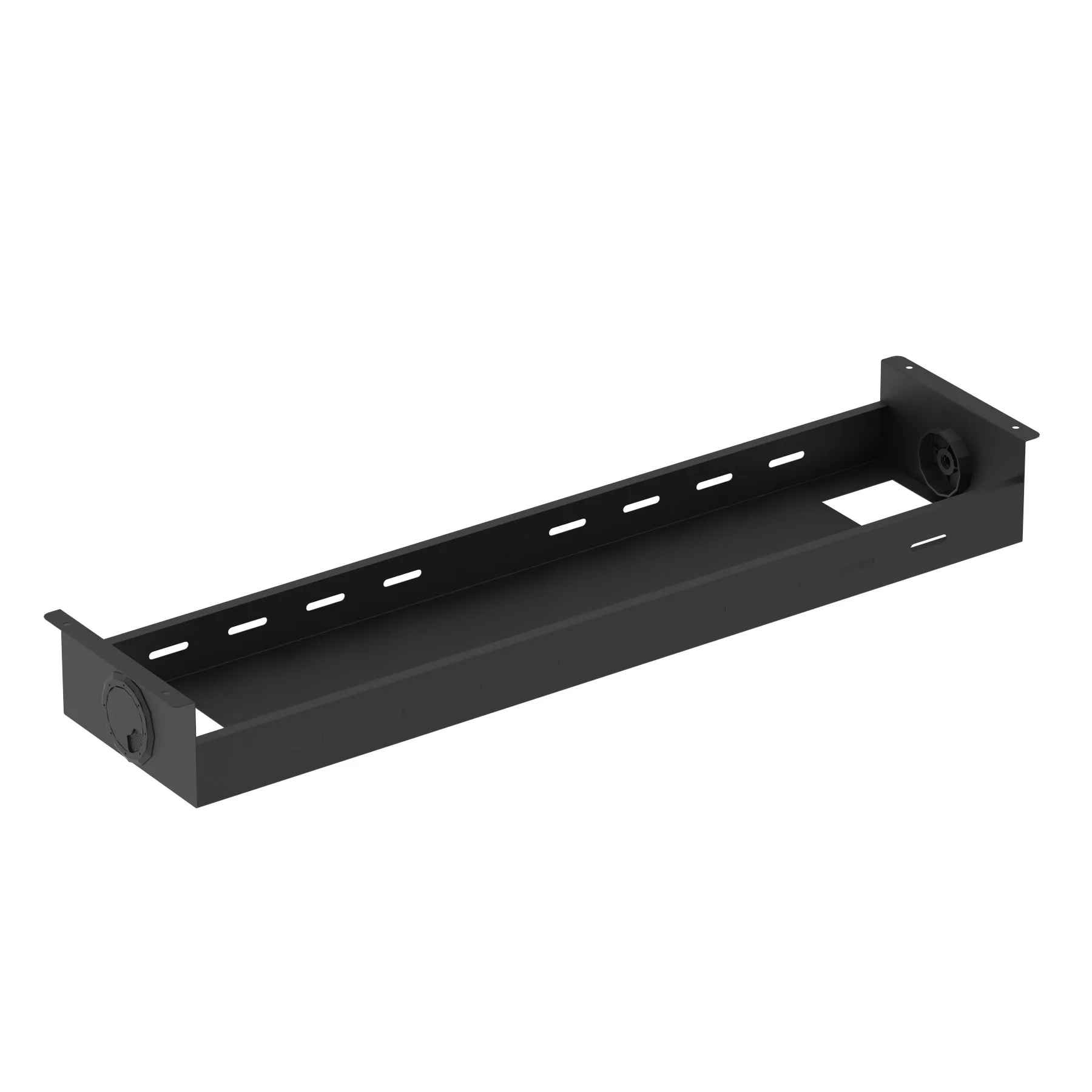
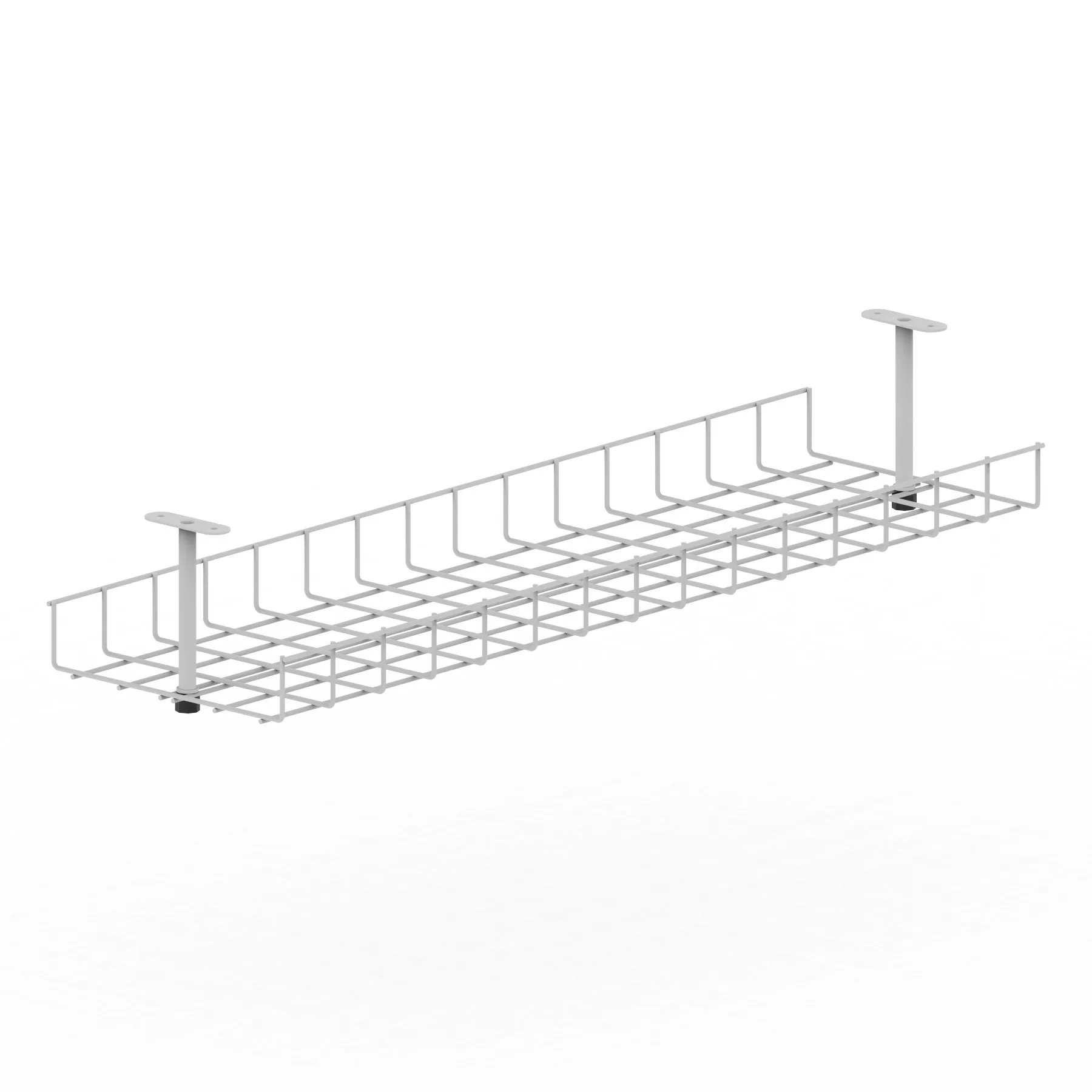
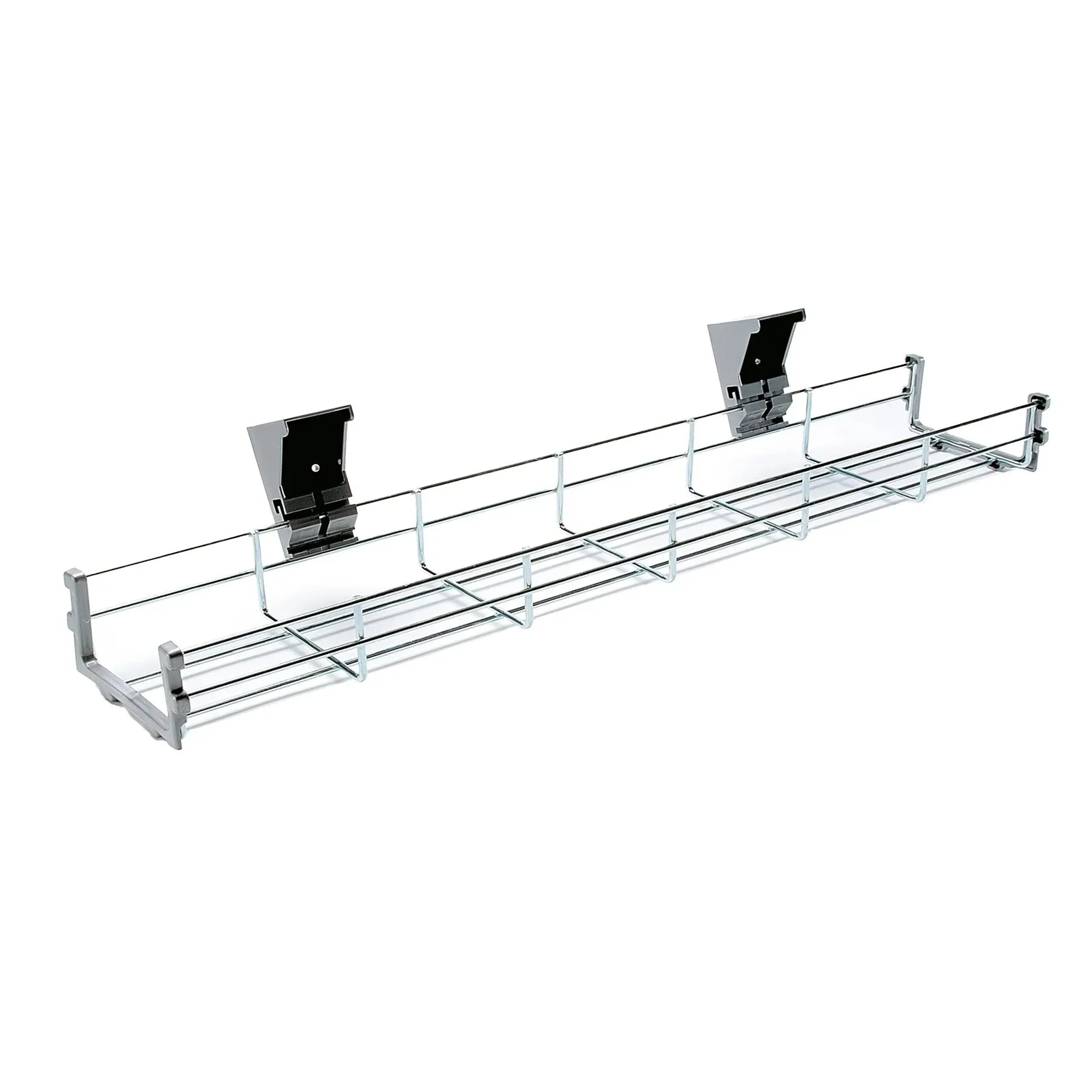
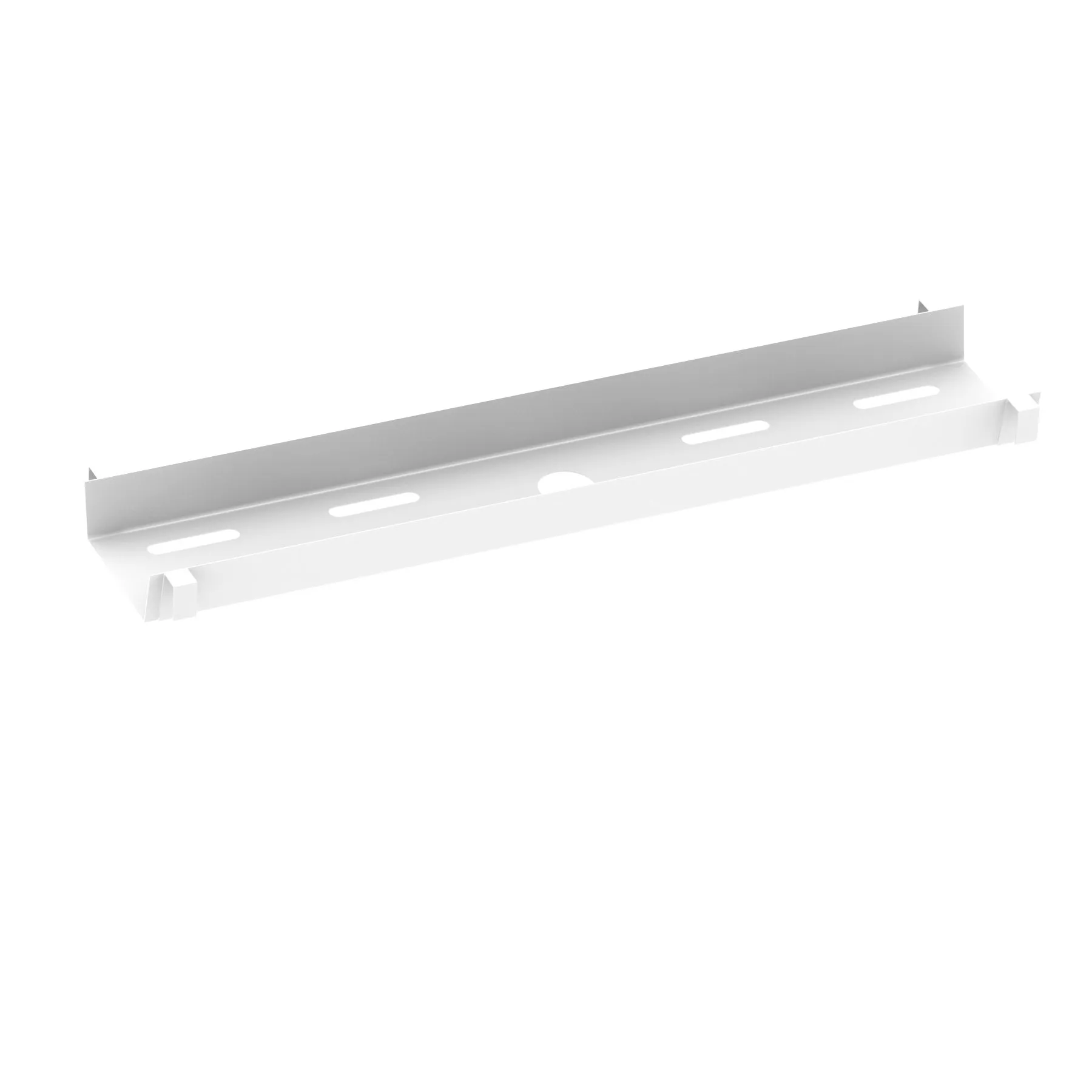
- A **tray or basket** runs horizontally under the desk, holding slack and power bricks off the floor.
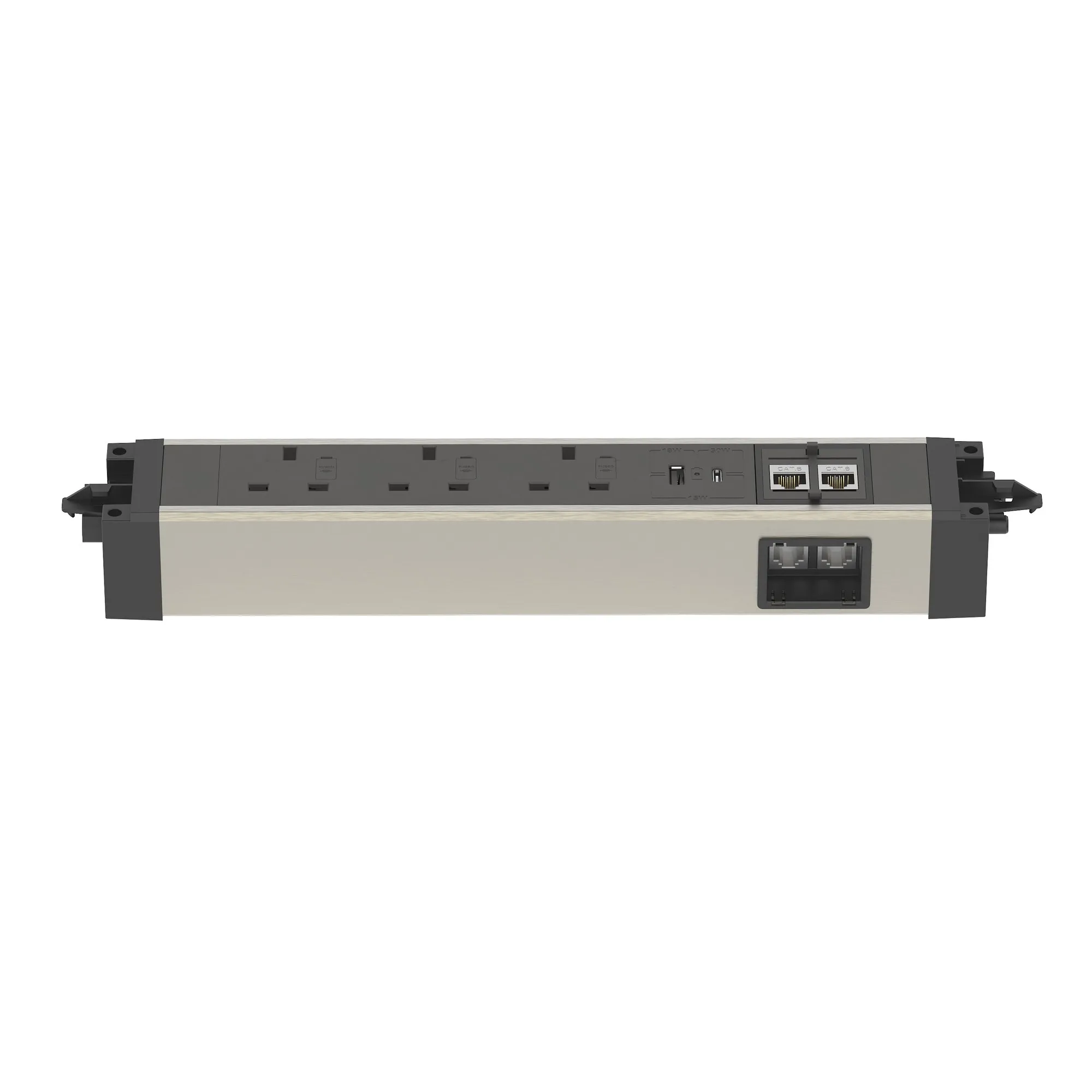
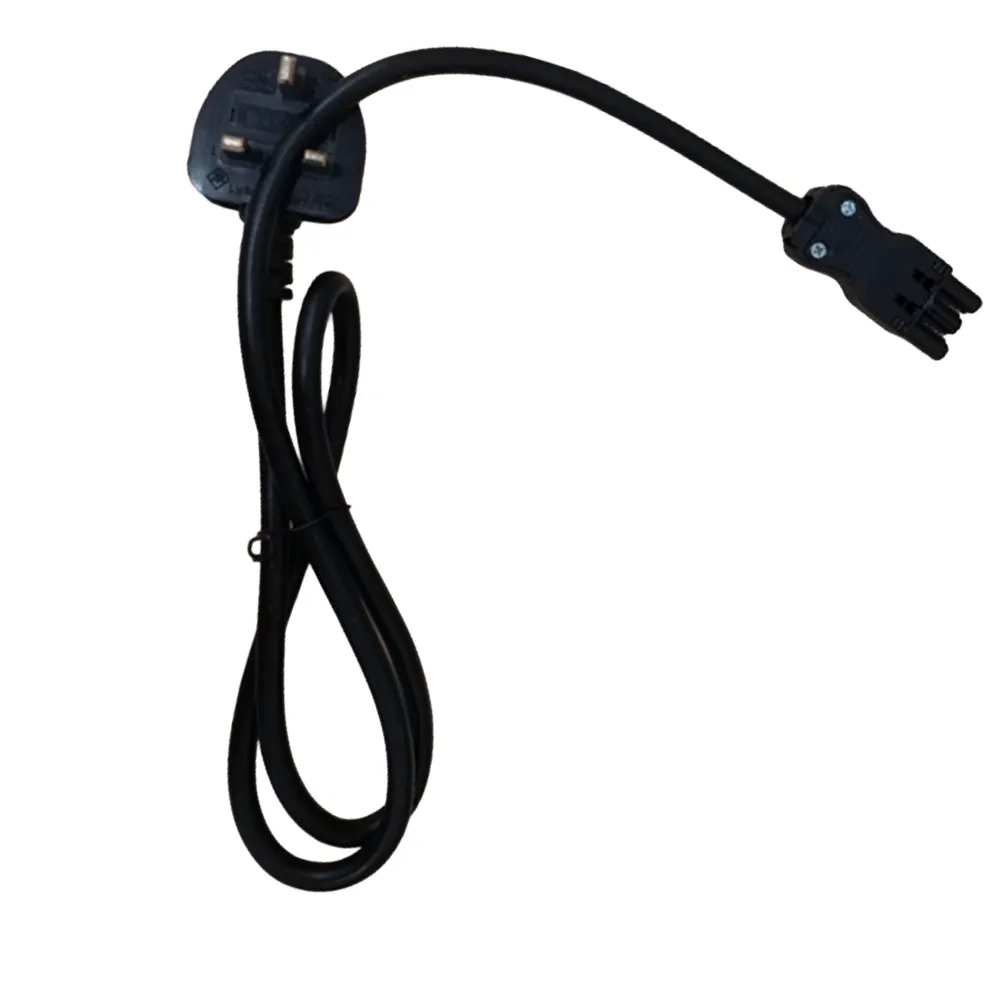
- **Linking bars** join back-to-back runs so one supply feeds several positions.
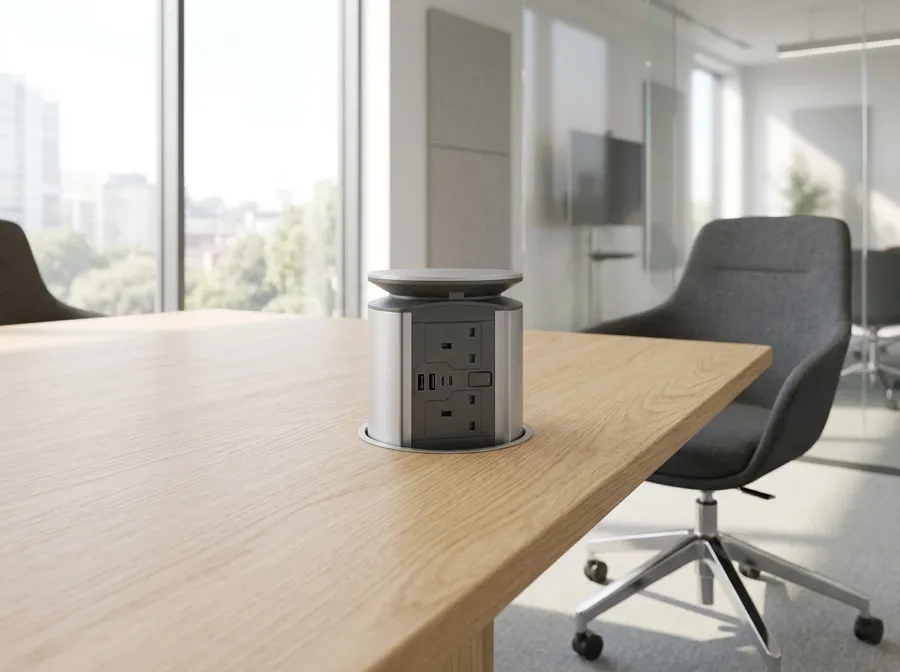
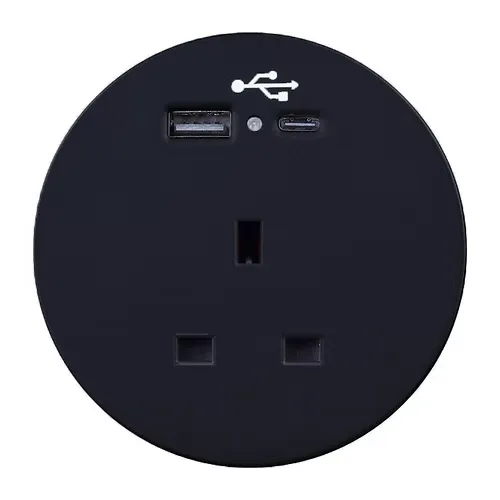
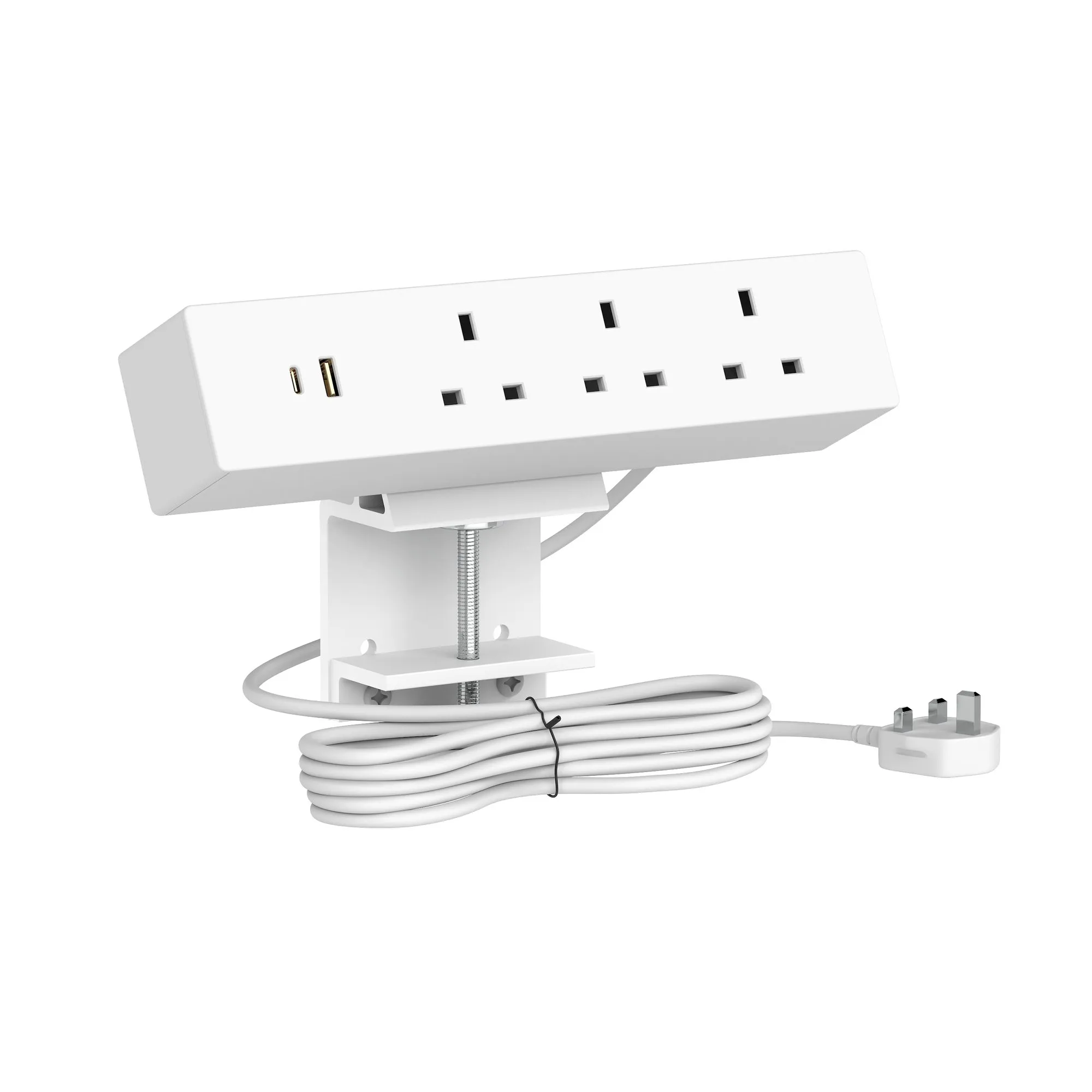
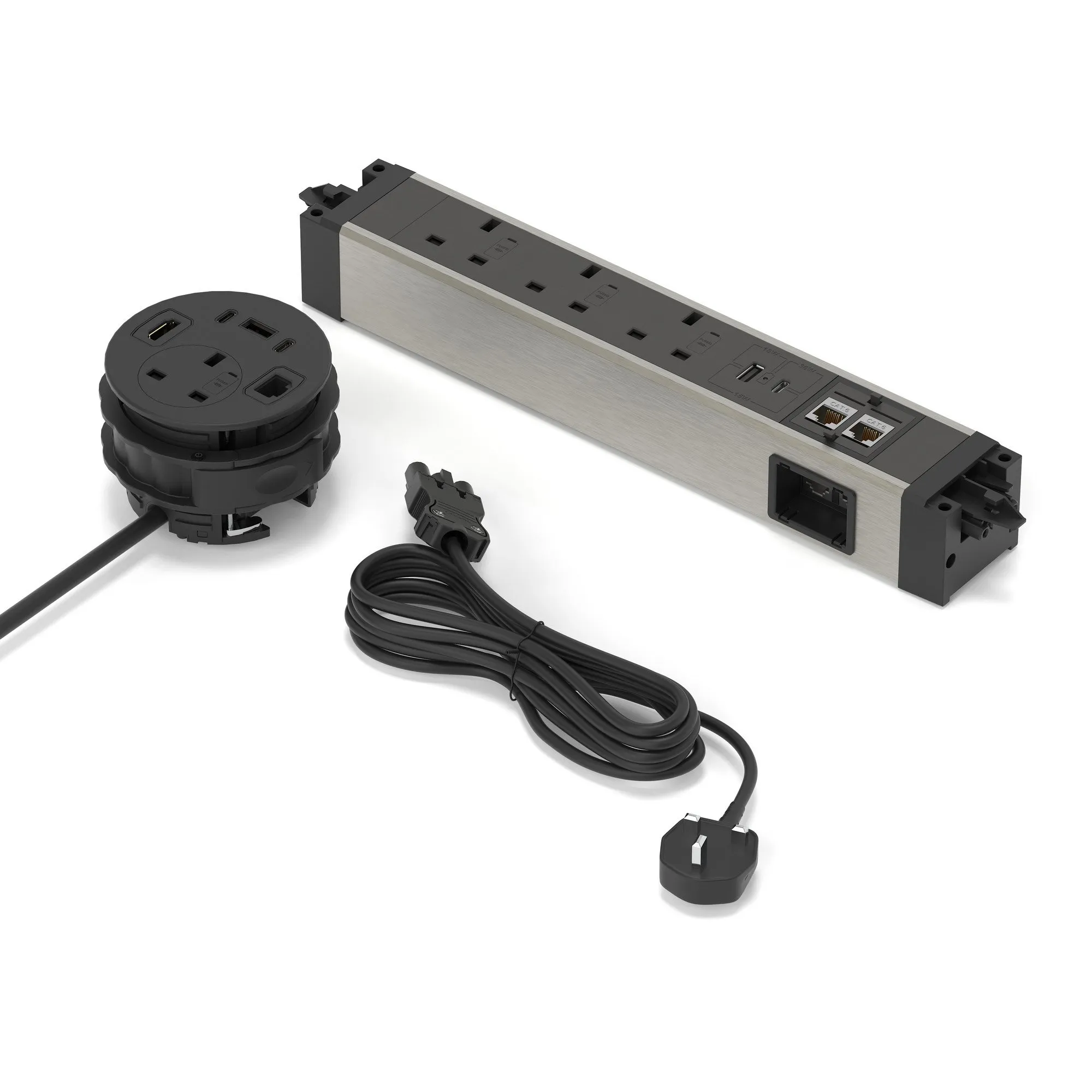
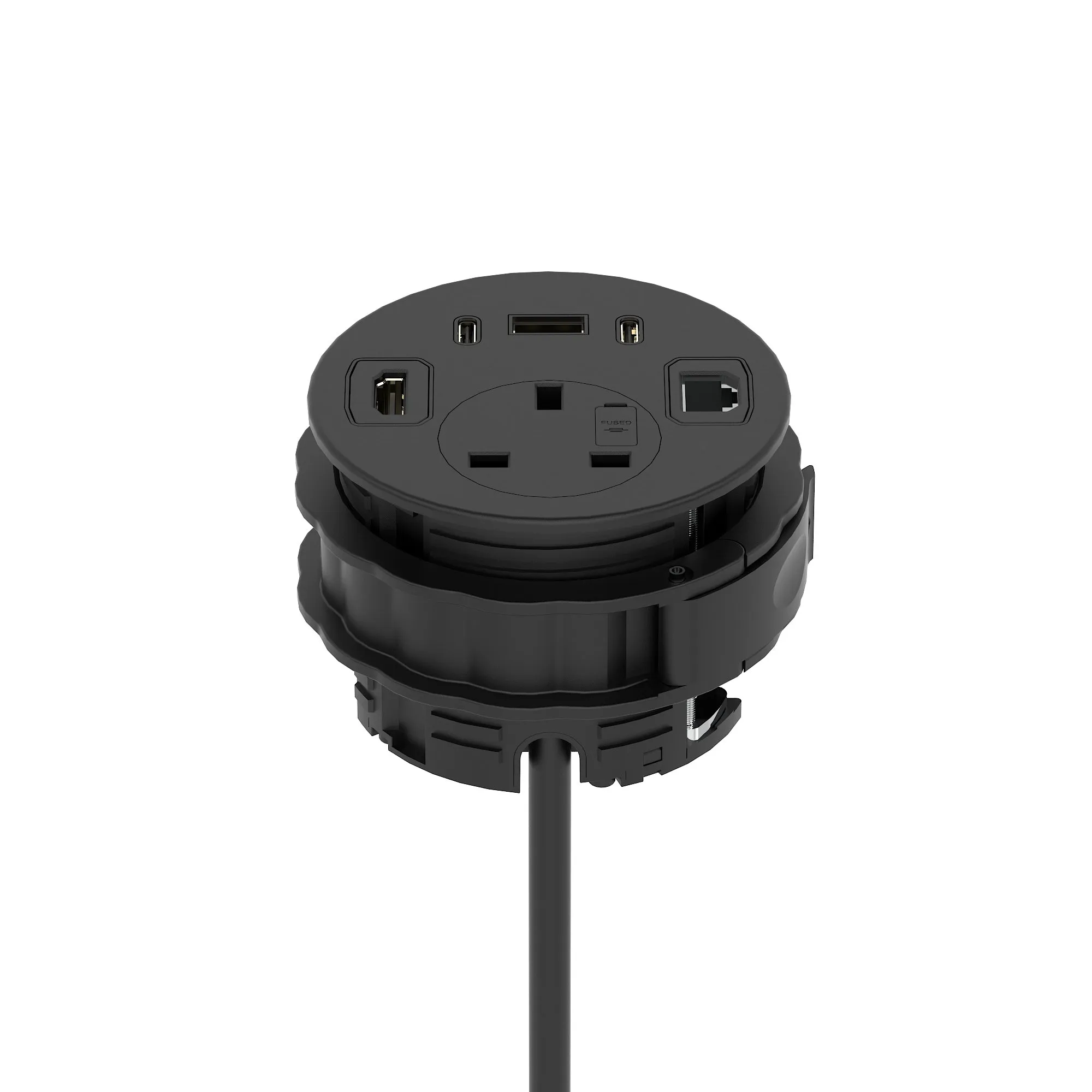
- In-desk power modules put sockets in the work surface itself.
Sit-stand needs different parts
A fixed cable run that is neat at sitting height goes taut at standing height, and taut cables pull plugs out of sockets. Height adjustable desks need a flexible spine designed for the travel: see cable management and the Air collection.