
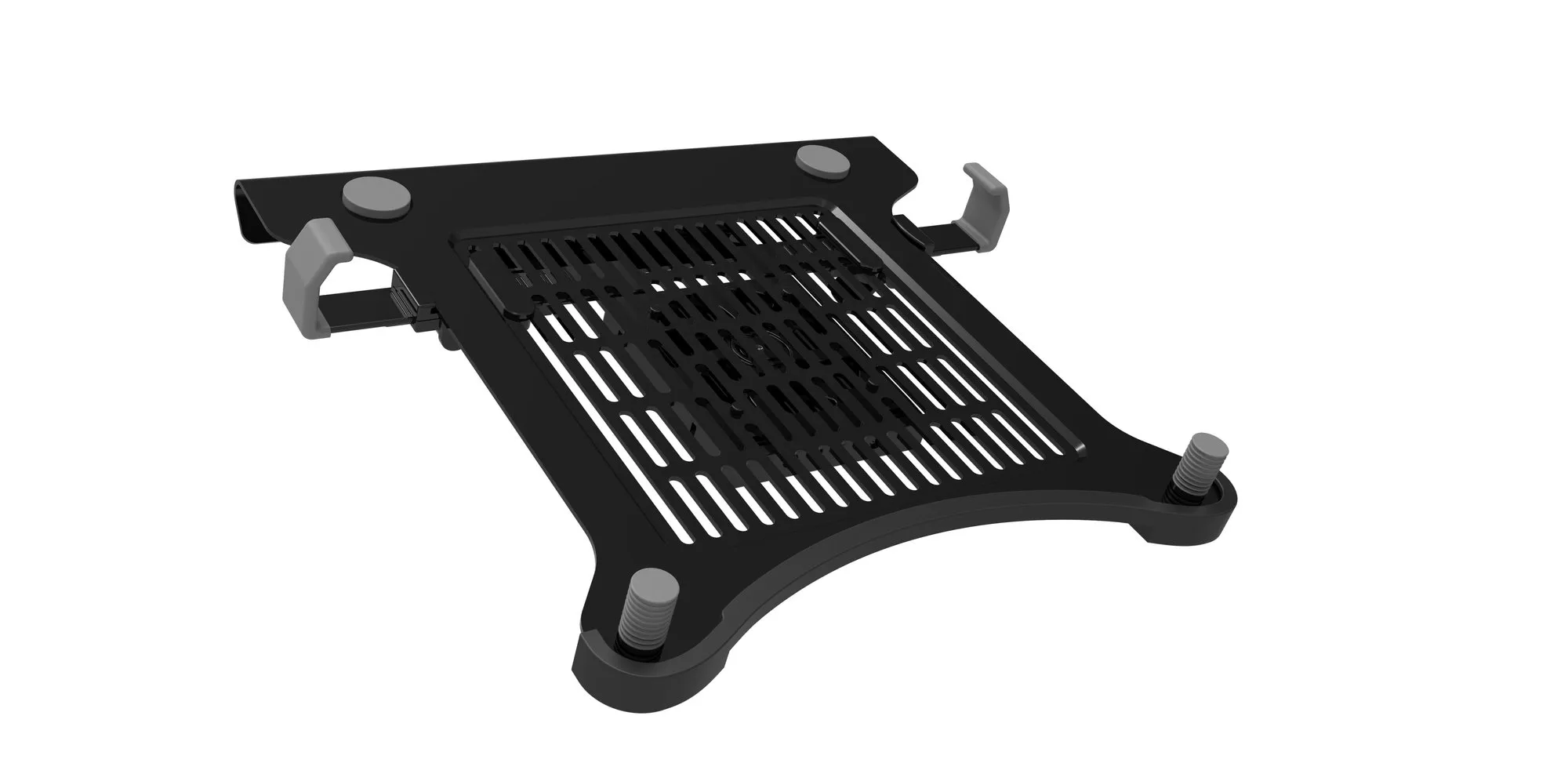
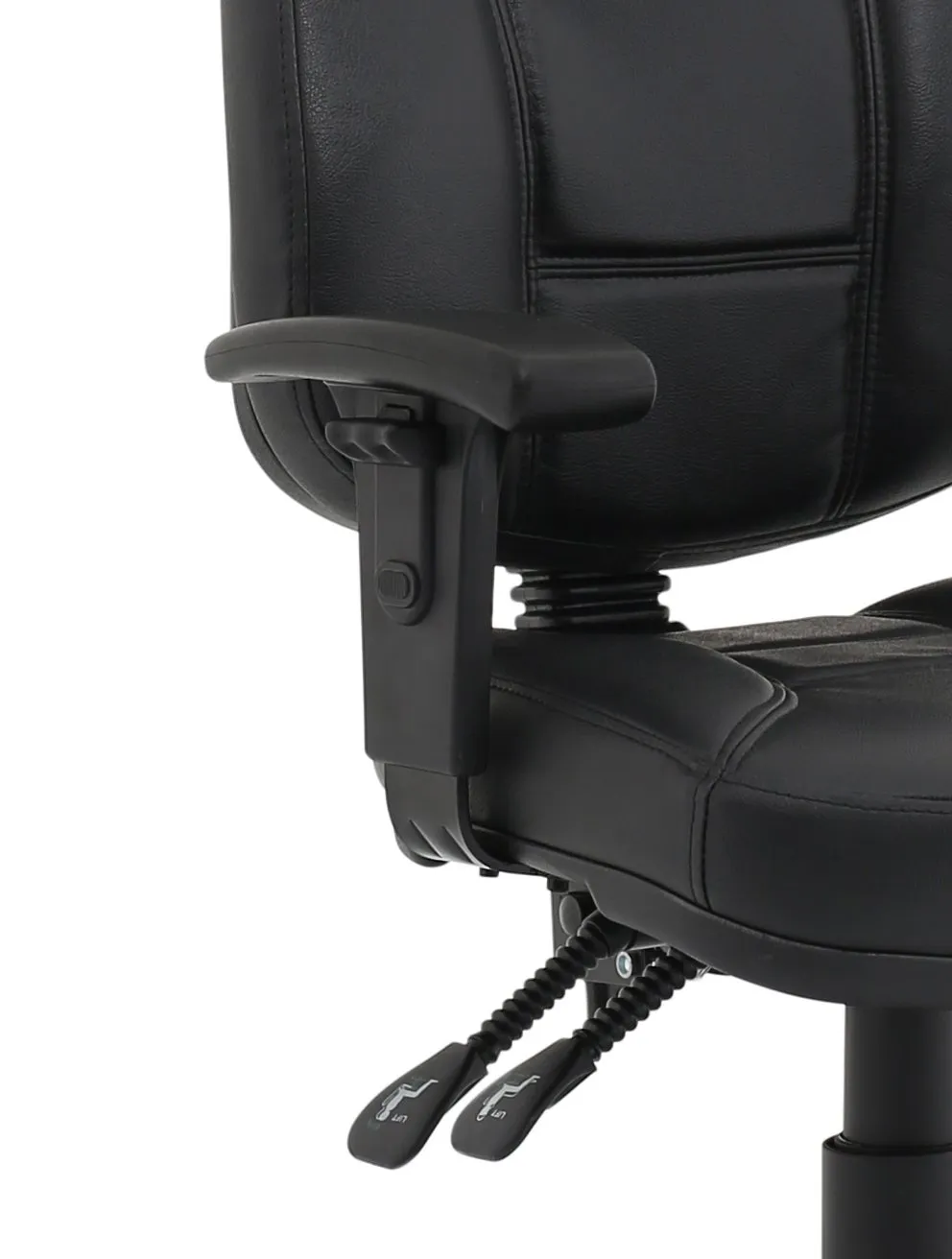
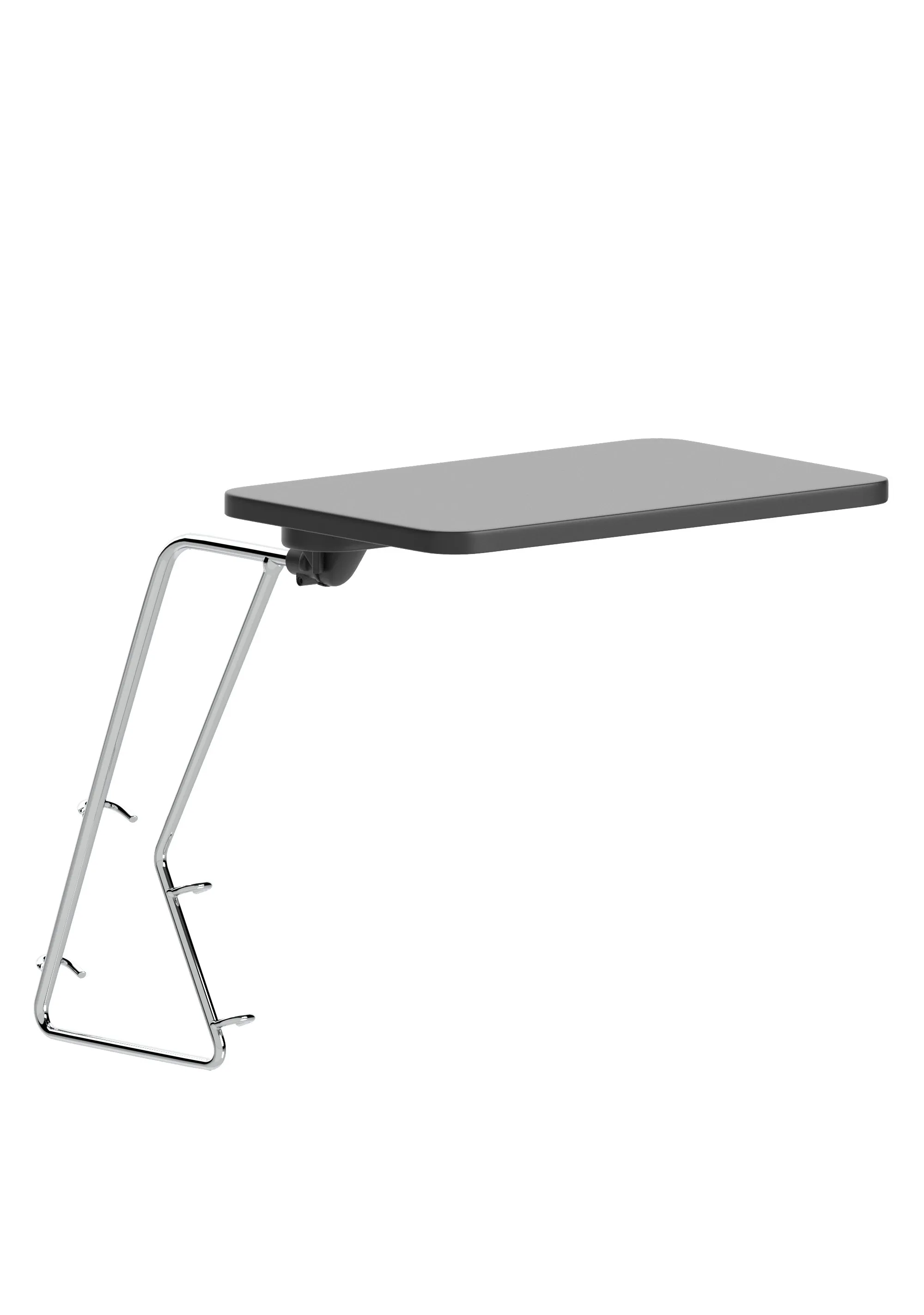
The cheapest ergonomic improvement you can make
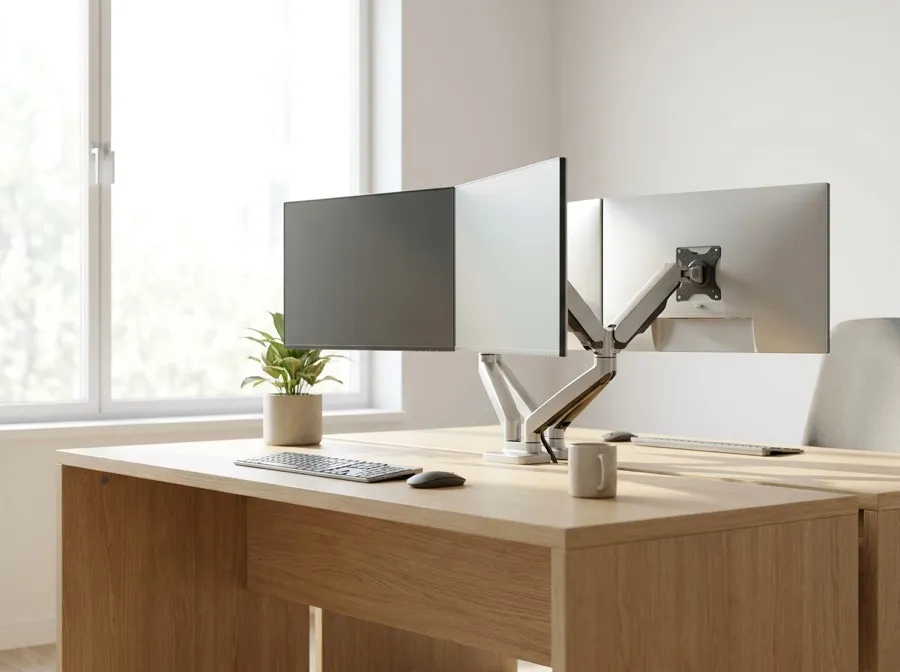
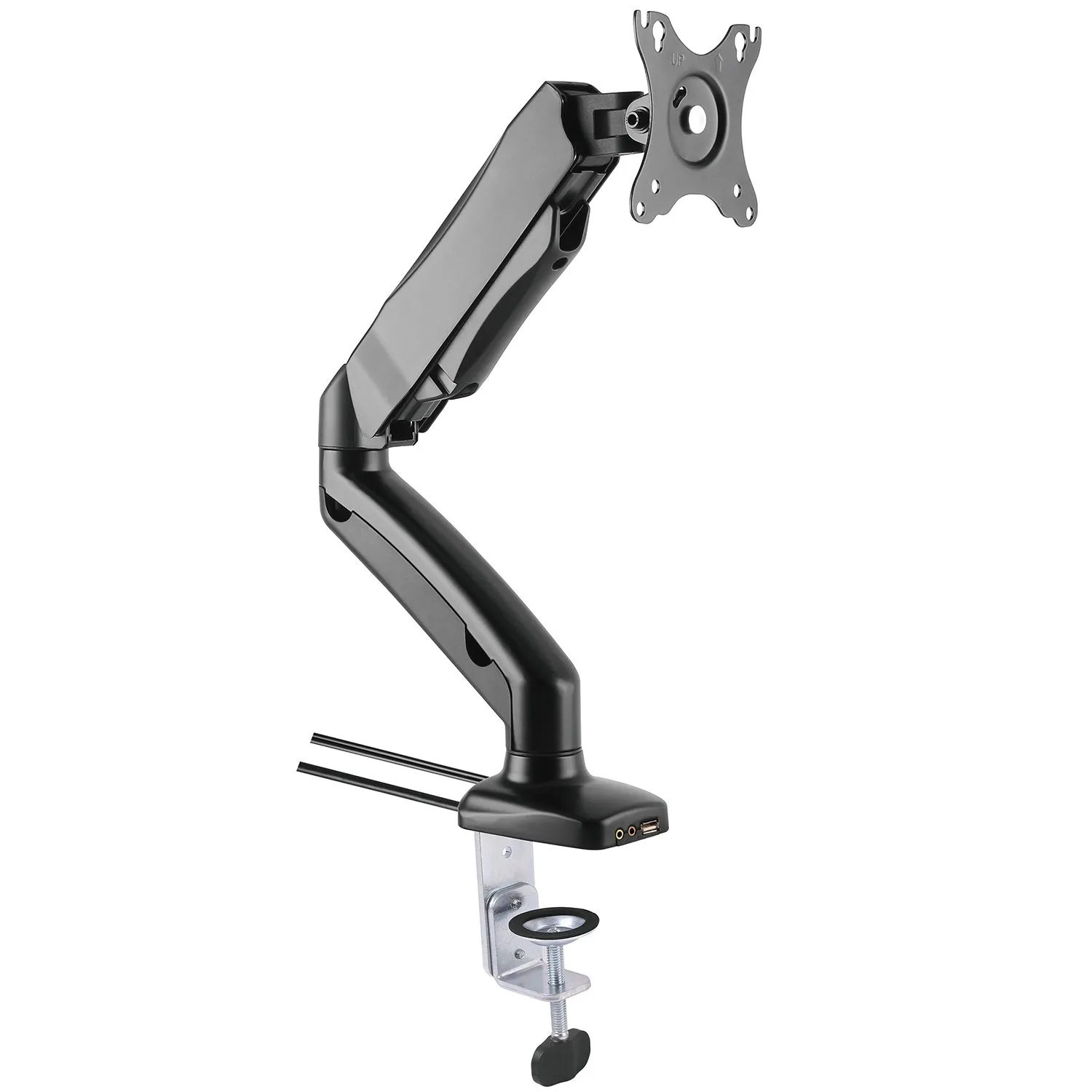
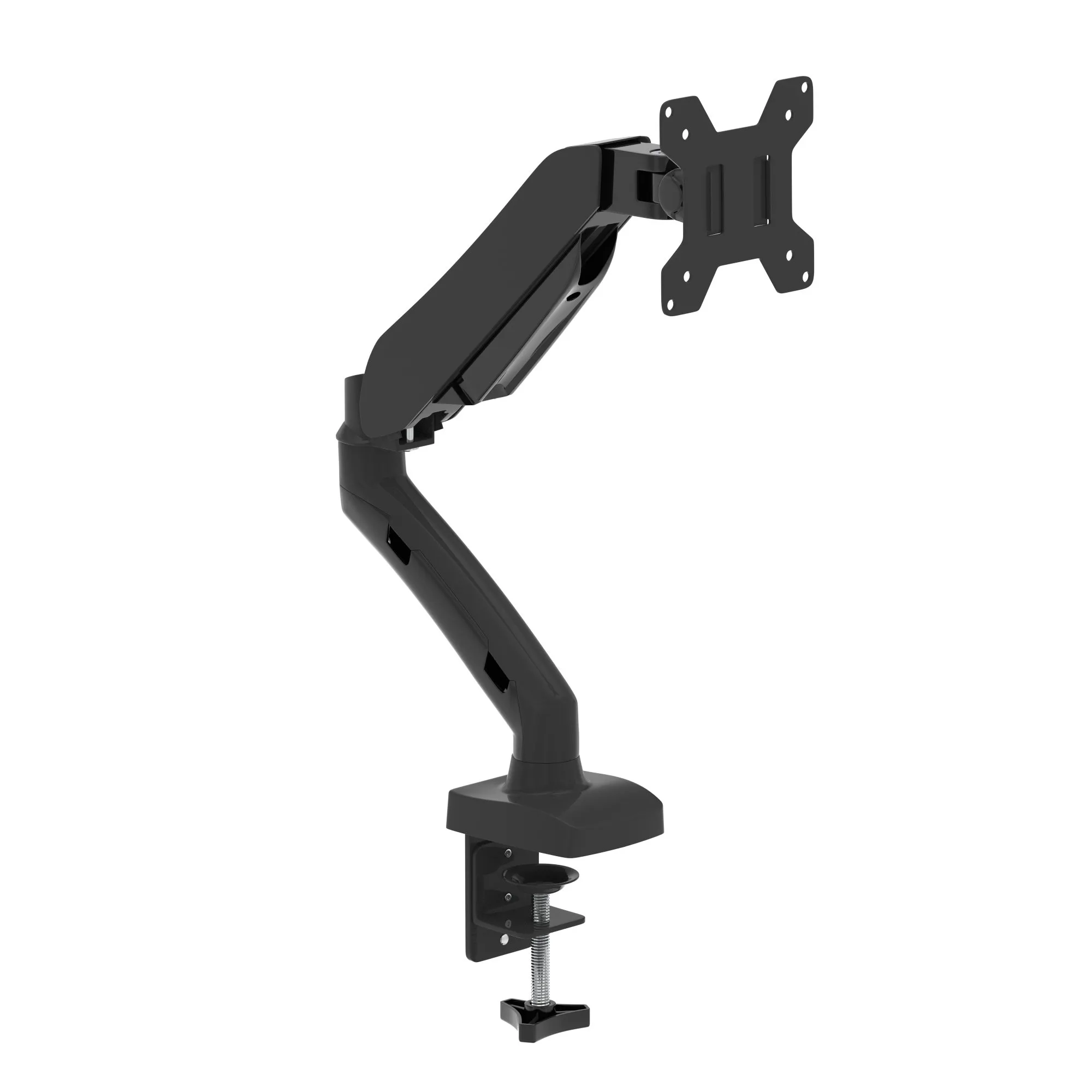
Monitor arms and the accessories that go around them. If you only improve one thing about a desk setup, make it the height of the screen, because it costs a fraction of a chair and fixes a problem a chair cannot.
Why screen height matters more than chair choice
A monitor on its own stand almost always sits too low. The head tilts forward to compensate, and the weight of a tilted head is carried by the neck and upper back for eight hours a day. No amount of lumbar support fixes a screen in the wrong place.
The rule of thumb is that the top of the screen should sit at or slightly below eye level, with the user sitting normally rather than craning.
The second benefit
Surface space. A monitor stand occupies the most useful part of the desk. An arm returns it, which effectively makes a 1400mm desk feel like a 1600mm one for a fraction of the price difference.
Check before ordering
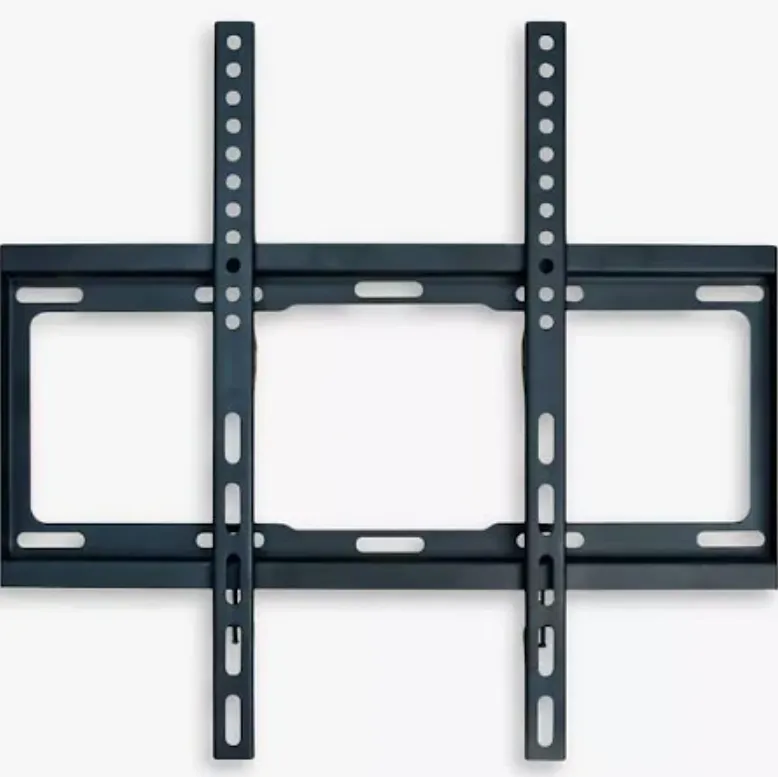
Screen weight and VESA pattern, which is the bolt spacing on the back of the monitor. Most screens are 100x100mm, plenty are not, and an arm rated below your screen weight will sag within weeks.
Also check desk thickness against the clamp range, particularly on thicker or scalloped tops.
While you are here
Bench runs need linking bars to join positions, and standing users need an anti-fatigue mat from ergonomic accessories.